
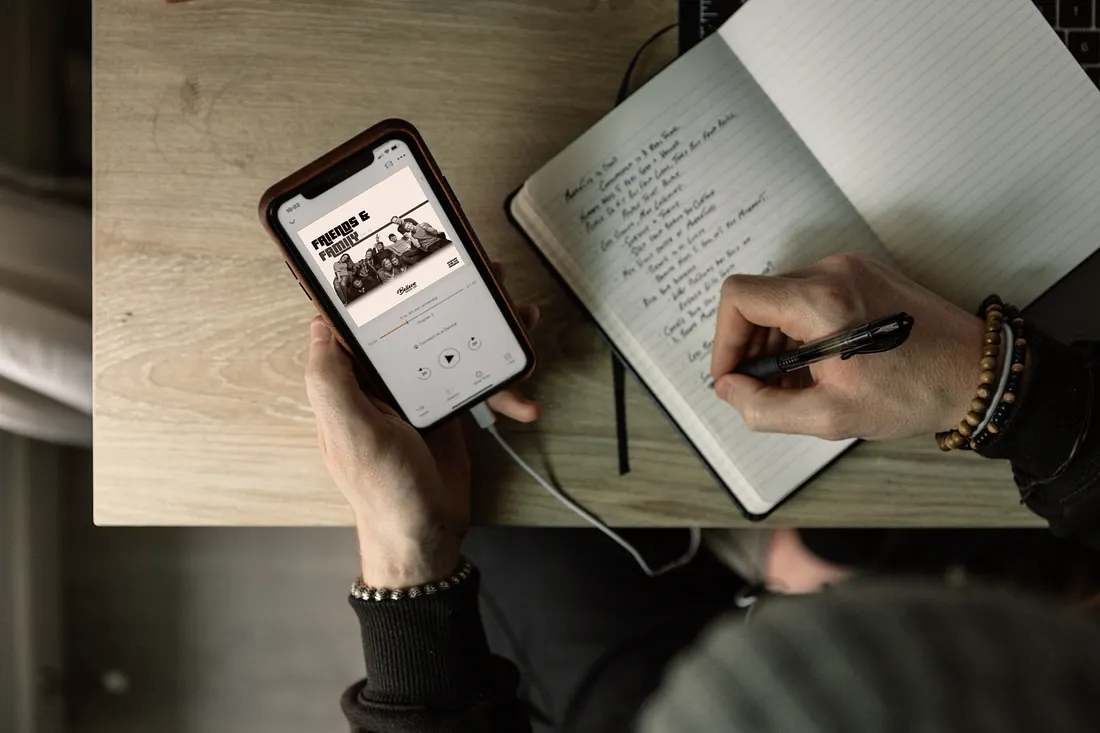
A bad listening setup can make a great song feel forgettable. The problem is rarely the music itself; it is the way your phone, app settings, headphones, playlists, and habits all work against each other without you noticing. A smart Music App Guide helps you stop treating your favorite app like a giant play button and start shaping it around how you actually listen during a commute, workout, workday, road trip, or quiet night at home. In the U.S., where people bounce between cars, earbuds, smart speakers, laptops, and family accounts, better listening experiences depend on small choices that add up fast. Even the way brands explain digital habits through modern media visibility shows how much daily attention now moves through apps, feeds, and personalized recommendations. Music deserves the same level of care. Your app should not bury the songs you love, flatten sound quality, or push you into endless skips. It should feel like a room arranged for your ears.
Music App Guide Choices That Shape Daily Listening
A music app is not only a catalog; it is a daily environment. The wrong setup can make you impatient, while the right one can make ordinary moments feel personal again. Better listening experiences begin when you stop asking which app has the most songs and start asking which app fits the way you live.
Choosing music streaming apps for your real routine
Most people compare music streaming apps by price, yet daily fit matters more than a few extra features. A parent in Ohio who plays clean versions in the car needs different controls than a college student in Austin who jumps between shared playlists, podcasts, and offline albums. The best choice is the one that removes friction from your actual day.
Apple Music often works well for people already deep in iPhone, CarPlay, HomePod, or iCloud habits. Spotify feels natural for social discovery, shared playlists, and quick recommendations. YouTube Music makes sense for listeners who care about live clips, remixes, covers, and songs that never land on standard albums. Amazon Music can fit homes already filled with Echo speakers and Prime routines.
The unexpected part is that the “best” app may be the one you notice least. A strong music app should fade into the background once you press play. When you spend more time fixing queues than enjoying songs, the app has already lost the room.
Matching family plans and solo accounts to U.S. listening habits
A single account can work for one person, but family listening gets messy fast. One kid plays cartoon soundtracks, another person streams country radio, and someone else wants jazz during dinner. When all of that runs through one profile, recommendations become a junk drawer with a search bar.
Family plans solve more than billing. They protect taste. Separate profiles keep your gym mix from turning into nursery songs and stop your weekend playlist from absorbing every request made from the kitchen speaker. In American households where smart TVs, tablets, phones, and cars all connect to one account, this separation matters more than most people expect.
Shared plans also need house rules. Decide who can edit shared playlists, which devices stay logged in, and whether explicit content needs a filter. Small boundaries prevent the app from becoming a household argument disguised as entertainment.
Better Sound Starts Before You Press Play
Once the app fits your life, the next layer is sound. Many listeners blame cheap earbuds or bad car speakers, but the app often holds the first problem. Better listening experiences come from setting quality, volume, downloads, and playback behavior with intention instead of trusting default settings.
Why audio quality settings matter more than loudness
Loudness tricks your brain quickly. A louder track can feel better for a few seconds, but poor audio quality settings become tiring over time. High-quality streaming can reveal space in a recording, soften harsh edges, and make vocals feel closer without forcing you to raise the volume.
Most music apps let you choose different quality levels for Wi-Fi and cellular data. U.S. listeners with unlimited plans may prefer higher streaming quality, while people on limited data can save premium quality for Wi-Fi downloads. The mistake is leaving every setting on automatic and hoping the app guesses correctly during a subway ride, road trip, or weak-signal commute.
Volume normalization deserves attention too. It keeps one song from blasting after another plays softly, which helps during driving or office listening. Still, some listeners prefer turning it off for albums where track dynamics matter. That choice depends on whether you listen casually or sit with records like they are scenes in a film.
Getting better listening experiences from headphones and speakers
A good app cannot rescue awful hardware, but expensive gear will not fix careless settings either. Earbuds, headphones, Bluetooth speakers, car audio, and smart speakers all color sound in different ways. Your job is to make the app and device meet in the middle.
Noise cancellation helps in airports, buses, and open offices, but it can make some music feel boxed in. Transparency mode works better when you need awareness while walking in a city or waiting for an announcement. At home, a speaker placed away from a wall may sound cleaner than one shoved into a corner, even when both cost the same.
Bluetooth quality also shifts between devices. A song downloaded at high quality may still sound thin through an old speaker with weak bass. Test one familiar track across your main devices and adjust from there. Your ears know the truth faster than a spec sheet does.
Discovery Works Best When You Train the App
Sound quality gets you closer to the song, but discovery keeps listening alive. A music app learns from what you play, skip, save, repeat, hide, and share. The catch is simple: lazy input creates lazy recommendations. Your app cannot read your mood unless you teach it what belongs there.
How playlist organization keeps your taste from getting messy
Playlist organization is not about making your library look neat for strangers. It is about helping future you find the right sound without scrolling through chaos. A playlist named “Driving” tells you less than “Late Night Highway” or “School Pickup Calm.” Better names create better decisions.
Separate playlists by use, not genre alone. A soul song, an indie track, and a soft country ballad may all belong in the same Sunday morning list. Meanwhile, two pop songs by the same artist may serve different moods. One belongs in a workout queue; the other belongs in a rainy-day folder.
The cleanest systems stay simple. Keep a few main playlists, archive old ones, and refresh the first ten songs often. The top of a playlist shapes how often you return to it, so do not let stale tracks guard the front door.
Teaching recommendations with skips, saves, and quiet signals
Every tap sends a message. Skipping a song after five seconds, saving a track, replaying an album, or hiding an artist all tells the app what to bring back later. Music streaming apps can feel strange when users treat them like radio but expect them to behave like a personal DJ.
You need to be a little ruthless. Hide songs you dislike, save songs you want again, and stop playing background music from your main profile when it does not reflect your taste. A ten-hour sleep soundtrack can confuse recommendations if your app thinks ocean noise is now your favorite genre.
Private listening modes help when guests, kids, or one-off moods take over. Use them for parties, borrowed phones, or random searches. Your recommendation feed should not carry the memory of every odd request someone shouted from the back seat.
Building a Listening Setup That Lasts
A good setup should survive more than one weekend of enthusiasm. The test is whether your app still feels useful after months of commutes, chores, workouts, and lazy evenings. Better listening experiences last when you create habits that are light enough to keep.
Using downloads, queues, and offline playback without clutter
Offline playback still matters in the U.S., even with wide cellular coverage. Flights, rural drives, subway dead zones, crowded stadiums, and weak office Wi-Fi can all break a stream at the worst moment. Downloading the right music saves the mood before the signal fails.
The trick is restraint. Download one road trip playlist, one workout playlist, one calm playlist, and a few albums you never regret hearing. Delete old downloads every month so your phone does not carry songs you stopped caring about last year.
Queues deserve the same discipline. A queue should serve the next hour, not become a landfill of songs you forgot adding. Clear it often, build it for the moment, and let albums play in order when the artist clearly built them that way.
Keeping privacy, data, and subscriptions under control
Music apps collect listening patterns, device activity, location-linked behavior, social actions, and payment details. That does not mean you should panic, but it does mean you should check settings instead of pretending the app is harmless because it plays songs. Entertainment still has a data trail.
Review public profile settings, playlist visibility, connected apps, ad preferences, and social sharing. Many listeners accidentally expose playlists they thought were private. Others connect third-party tools once and forget those services still have access months later.
Subscriptions need the same honesty. Paying for one main app can make sense. Paying for three because each has one missing album may not. Cancel what you do not use, watch trial dates, and choose the service that earns its place in your week.
Conclusion
The best music setup is not the most expensive one or the one strangers argue about online. It is the one that gets out of your way and brings you closer to the songs that already matter to you. A thoughtful Music App Guide points toward a better habit: choose the app that fits your life, fix the settings that weaken sound, train recommendations with clear signals, and keep your library clean enough to enjoy. That approach turns listening from passive noise into something more personal. You do not need to rebuild everything tonight. Start with one playlist, one sound setting, one privacy check, or one downloaded album for your next drive. Small fixes compound quickly when you repeat them with care. Open your music app today, clean one messy corner, and make your next listen feel chosen instead of random.
Frequently Asked Questions
What is the best music app for better listening experiences in the USA?
The best choice depends on your devices, budget, and habits. Spotify works well for discovery and sharing, Apple Music fits iPhone-heavy homes, YouTube Music helps with live versions and covers, and Amazon Music suits Echo users.
How do music streaming apps affect sound quality?
Music streaming apps affect sound through quality settings, volume normalization, download options, and device connection behavior. Higher settings can improve clarity, but headphones, speakers, and Bluetooth performance also shape what you hear.
Which audio quality settings should I change first?
Start with streaming quality on Wi-Fi, download quality, and volume normalization. Choose higher quality for saved music, especially albums you replay often. Keep cellular quality balanced if your phone plan has data limits.
How can playlist organization improve daily listening?
Playlist organization cuts down scrolling and helps you match music to real moments. Build playlists around situations such as driving, cooking, studying, or workouts instead of sorting only by genre or artist.
Are paid music apps worth it for casual listeners?
Paid plans make sense when ads, skip limits, low-quality streams, or missing downloads interrupt your day. Casual listeners who play music during commutes, chores, or workouts often feel the difference more than they expect.
How do I stop my music app recommendations from getting worse?
Save songs you like, hide songs you dislike, and use private listening when guests or kids control the queue. Avoid letting sleep sounds, party requests, or random searches shape your main profile.
What music app features matter most for families?
Separate profiles, explicit content controls, shared billing, device limits, and playlist permissions matter most. These features keep each person’s taste clean and prevent one household account from turning into a confused recommendation feed.
How often should I clean up my music library?
A monthly cleanup works well for most listeners. Delete stale downloads, rename vague playlists, remove songs you always skip, and refresh the first few tracks in your favorite lists so they still feel worth opening.